

Handwriting Font App
This is my final, completed handwriting font app that I programmed in Processing. it allows the user to input their handwriting and then type in their own custom font based on their handwriting. The process is as follows:
1. User signs in to the input program and writes letters a-z in both capital and lowercase letters.
2. User signs in to the output program and types in his/her handwriting
3. Export to a PDF vector files and prints on a CNC machine such as the Watercolor Bot or Laser Cutter.
Features:
Functioning typing interface
Font size
Support of multiple users
Line wrap and backspace
Numerous special characters
I was very proud of this program. I spent a great deal of time on it and I was thrilled when I finally got it to work. Because of the complex nature of this project, I learned a great deal about both programming in Processing (PShapes, etc.) and the Watercolor Bot. My attempt at programming a "simple" word processor also revealed how difficult and complex Microsoft Office is.
If I had more time, I would add bold, italics, colored fonts, underlining, a curser, spell check, better line wrap, etc.

Click for a video of the program and WaterColor Bot in action

This is where you sign in with your username

The loading indicator is actually accurate to the font being loaded. It also changes colors as it approaches 100%.

This was my first successful print! It was a diagnostic so the content wasn't that exciting, but I was still ecstatic.

This is my mom's handwriting (she wasn't good at using the mouse to trace her handwriting, but she still did great!)
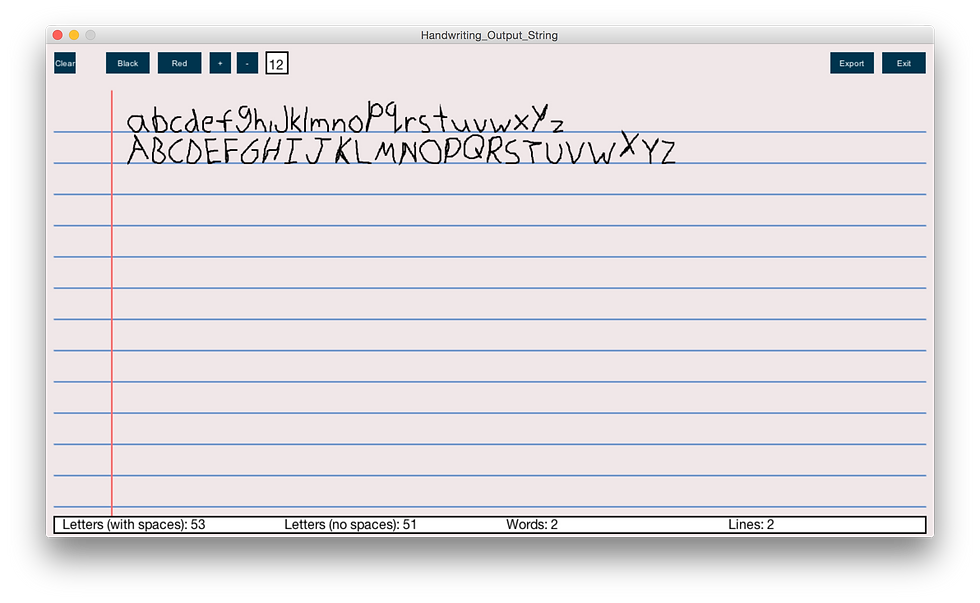
It's no Microsoft Office, but I did my best considering I had less than a week.

The window where the user can name and save their file.

Initial tests that didn't go so well.
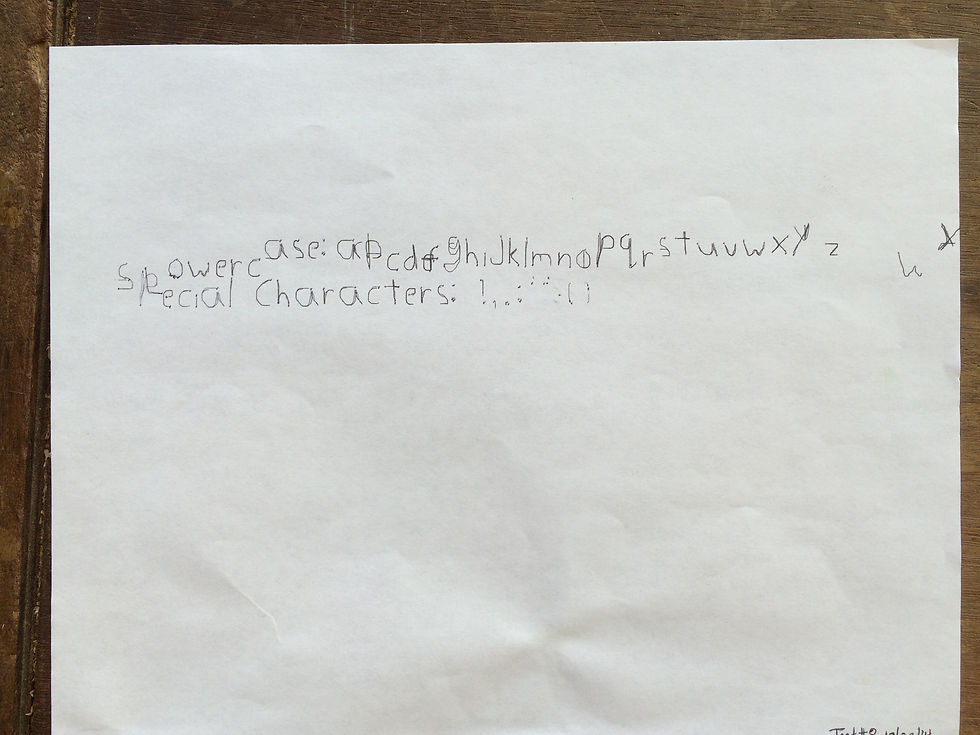
Failed test

Optimized settings for my project

Optimized settings for my project